What's new in Stream Deck 7.4.1?
 AI Tools, Meet Stream Deck
Stream Deck now supports the Model Context Protocol (MCP), letting AI tools connect and trigger designated actions. NVIDIA Project G-Assist, the on-device AI assistant for GeForce RTX PCs, is the first to connect — and it brings something entirely new to Stream Deck: voice control. For the first time, you can trigger your actions just by speaking.
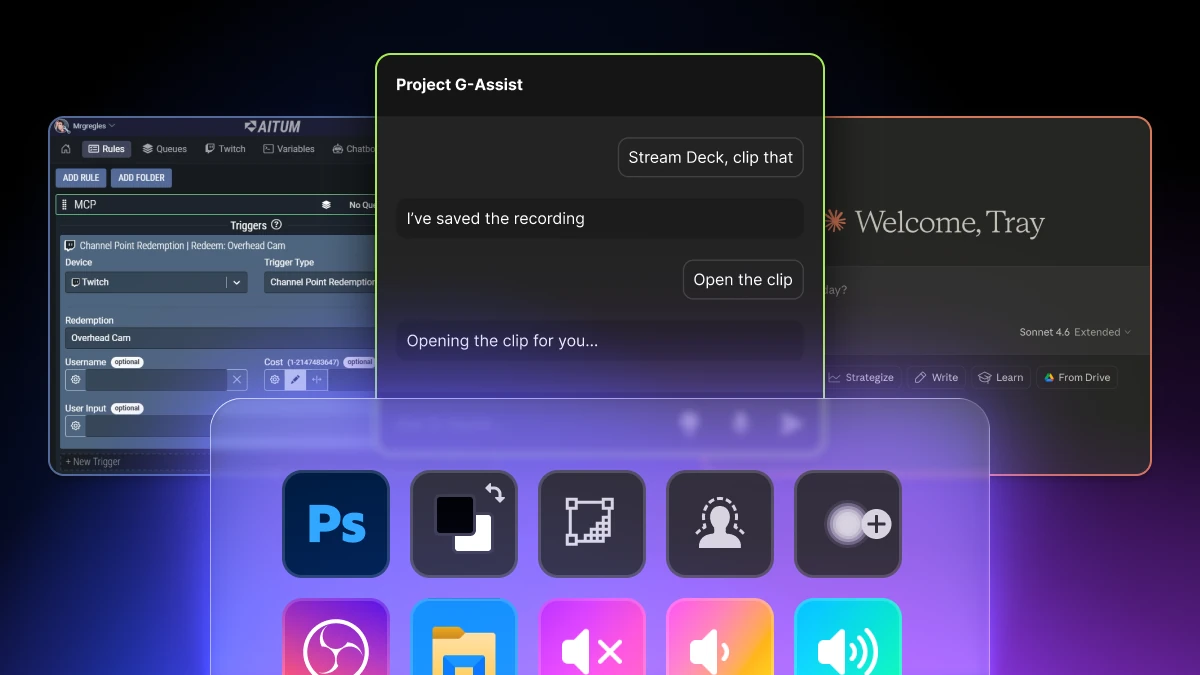
 Watch how to set up G-Assist with Stream Deck
 Learn more about integrating your AI Tools with Stream Deck.
*NVIDIA G-Assist requires GeForce RTX GPU with at least 6GB VRAM.
 Improvements and bug fixes
- Improved account sign-in behavior to address an issue where account authentication windows would pop up repeatedly in your browser — the app will no longer automatically open your browser to prompt for Twitch, YouTube, or other account logins.
- Updated CORSAIR Galleon 100 SD firmware (3.06.005), which resolves a display issue affecting some units. The update is applied automatically when your device connects.
- (macOS) Updated default profiles for Galleon 100 SD and Stream Deck + XL.
- (Windows) Fixed an issue where the Toggle Virtual Stream Deck key could appear visually stuck after the interface was reopened. Functionality was not affected.
- (macOS) Fixed an issue where the Open Application action didn't display third-party apps in the dropdown list.
- Fixed a bug where nested Switch Profile actions inside a Multi Action could lose their internal references when imported.
- Fixed an issue where Key Logic displayed an overwrite confirmation when pasting into an empty key.
- Fixed an issue where the previous/next button indicators on Stream Deck Neo appeared black instead of reflecting the info bar color.
Want to share feedback on Stream Deck 7.4.1? Connect with us:
- Leave a comment on our Subreddit
- Chat with fellow community members on Discord
- Hit up @elgato on X
- Discover more on Explorer
- Contact our Support Team